Specimens, places, pot and medium
Keep track per plant of which specimens you have, where they are and in which pot and medium.
Step 1
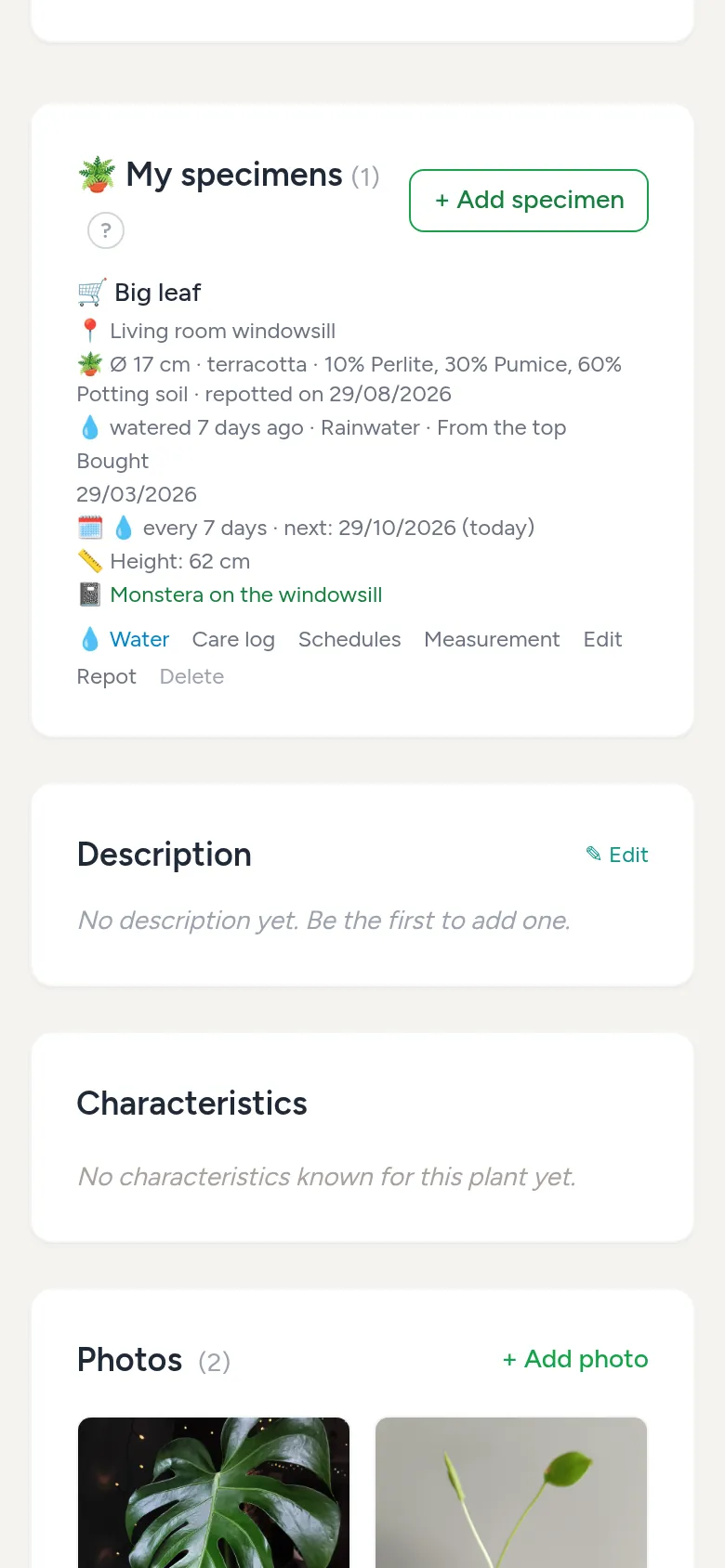
What is a specimen?
A specimen is one plant you actually have, or a group such as a batch of seedlings. Specimens are optional: if you only want to track which plants you have, you do not need them. You can have several specimens of the same plant, for example to test different media. They are on the plant page under My specimens.
Step 2
Add a specimen
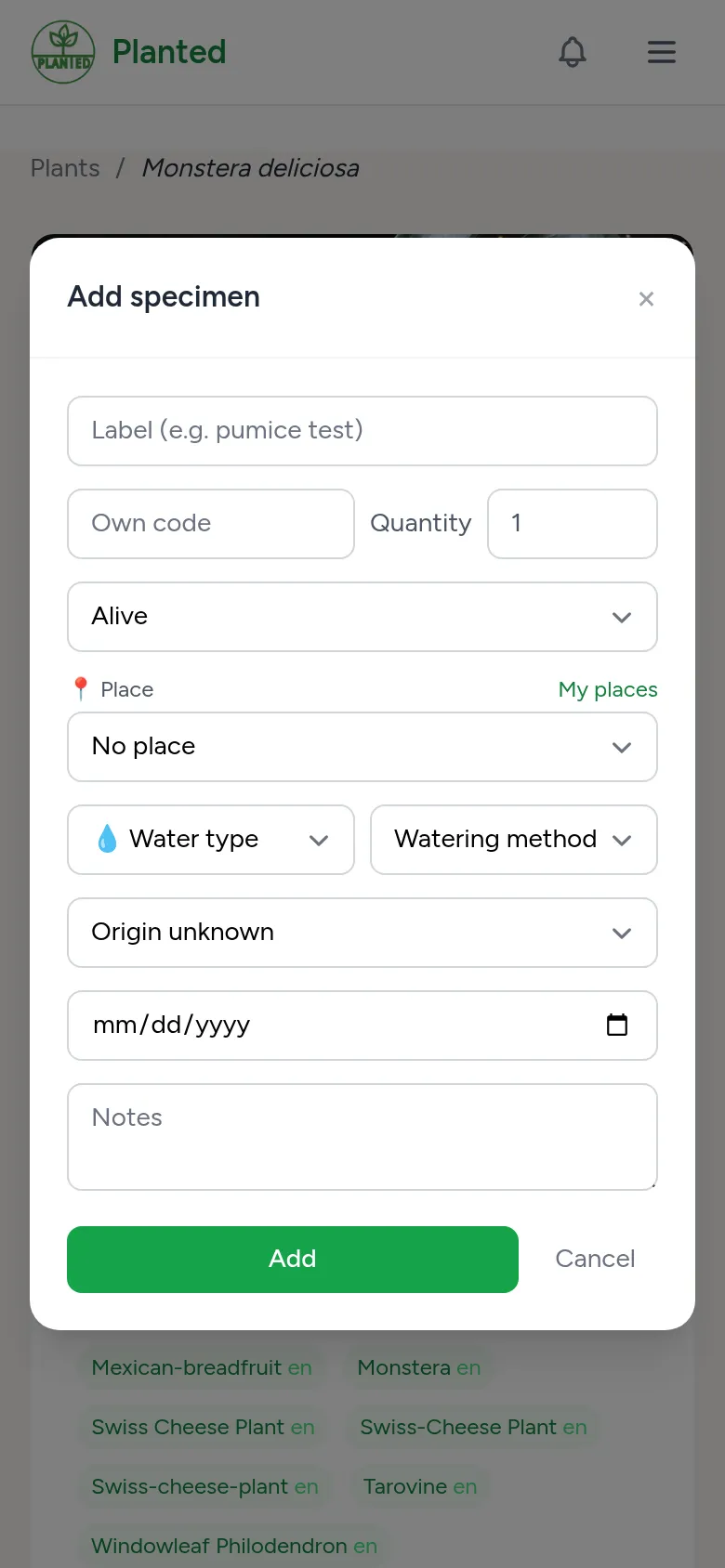
Choose + Add specimen on the plant page, or + specimen under My plants. A label and your own code help to tell specimens apart. You also fill in the quantity, the origin, optionally the seed and pollen parent, the place, the water type and the watering method.
Step 3
Places
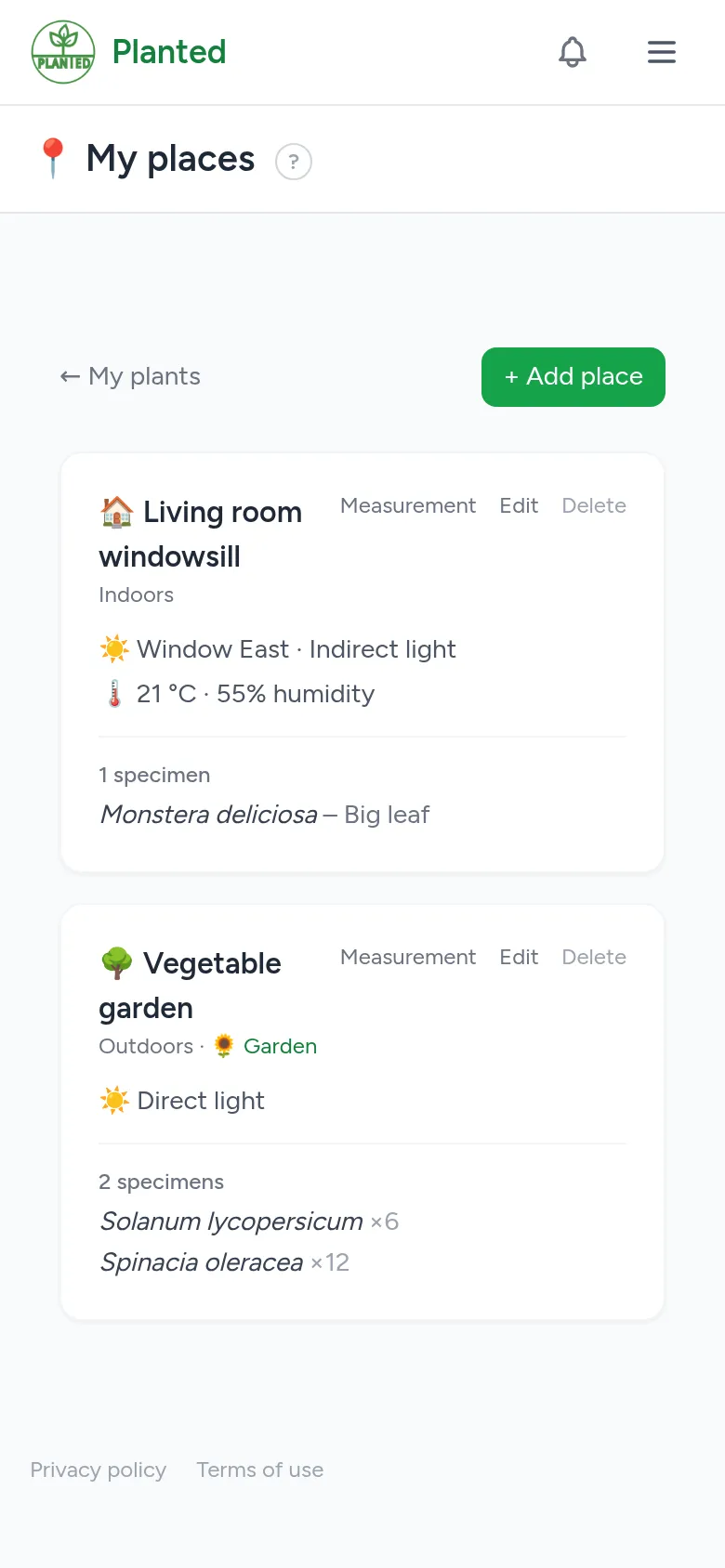
Under My places you create the places where your plants grow, such as a windowsill, a greenhouse or a grow tent. For each place you fill in the type, the light, a grow light if there is one and the climate, so you do not have to do that per plant.
Step 4
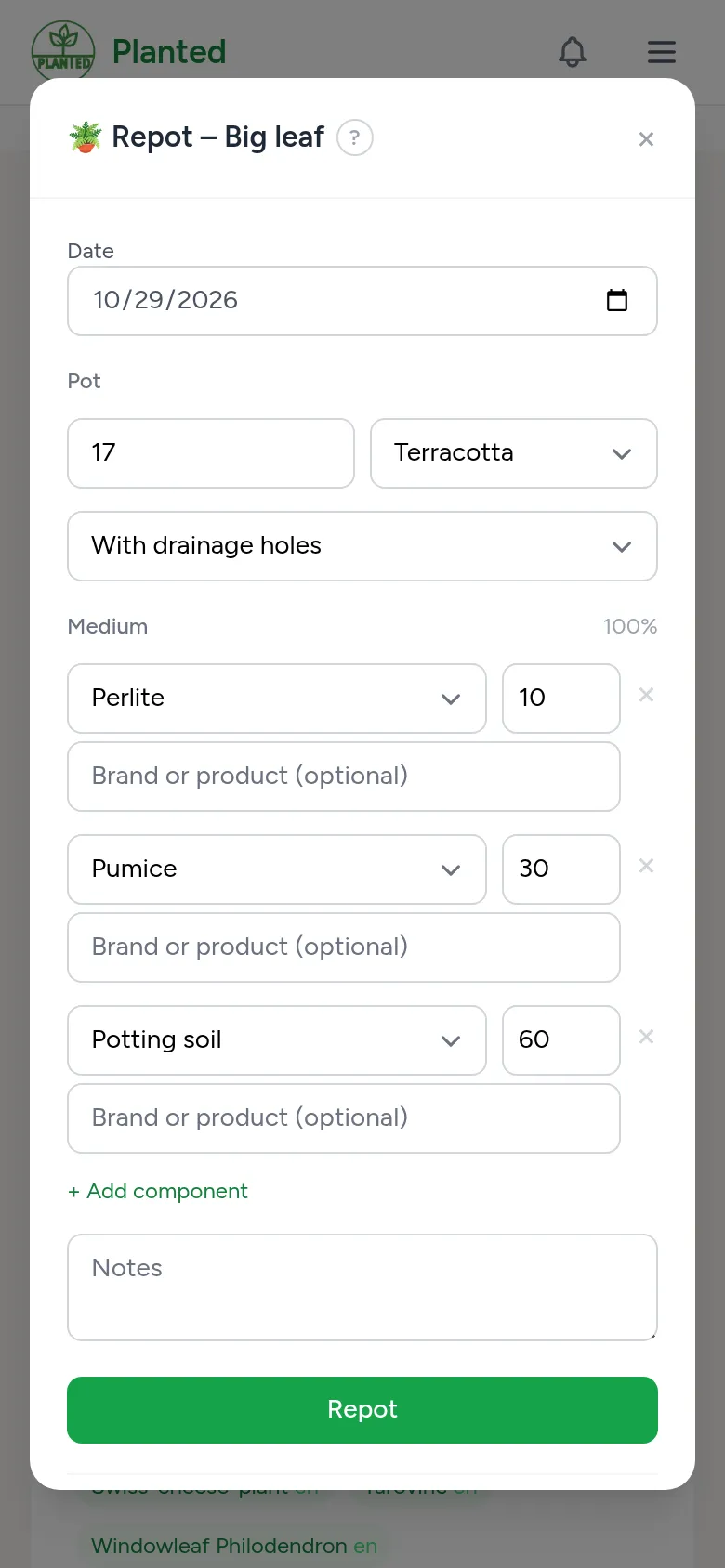
Repotting
With Repot you note the pot size, the material of the pot, whether it has drainage holes, and the medium as a mix, for example 60% potting soil and 30% pumice. The latest potting is the current pot.
Step 5
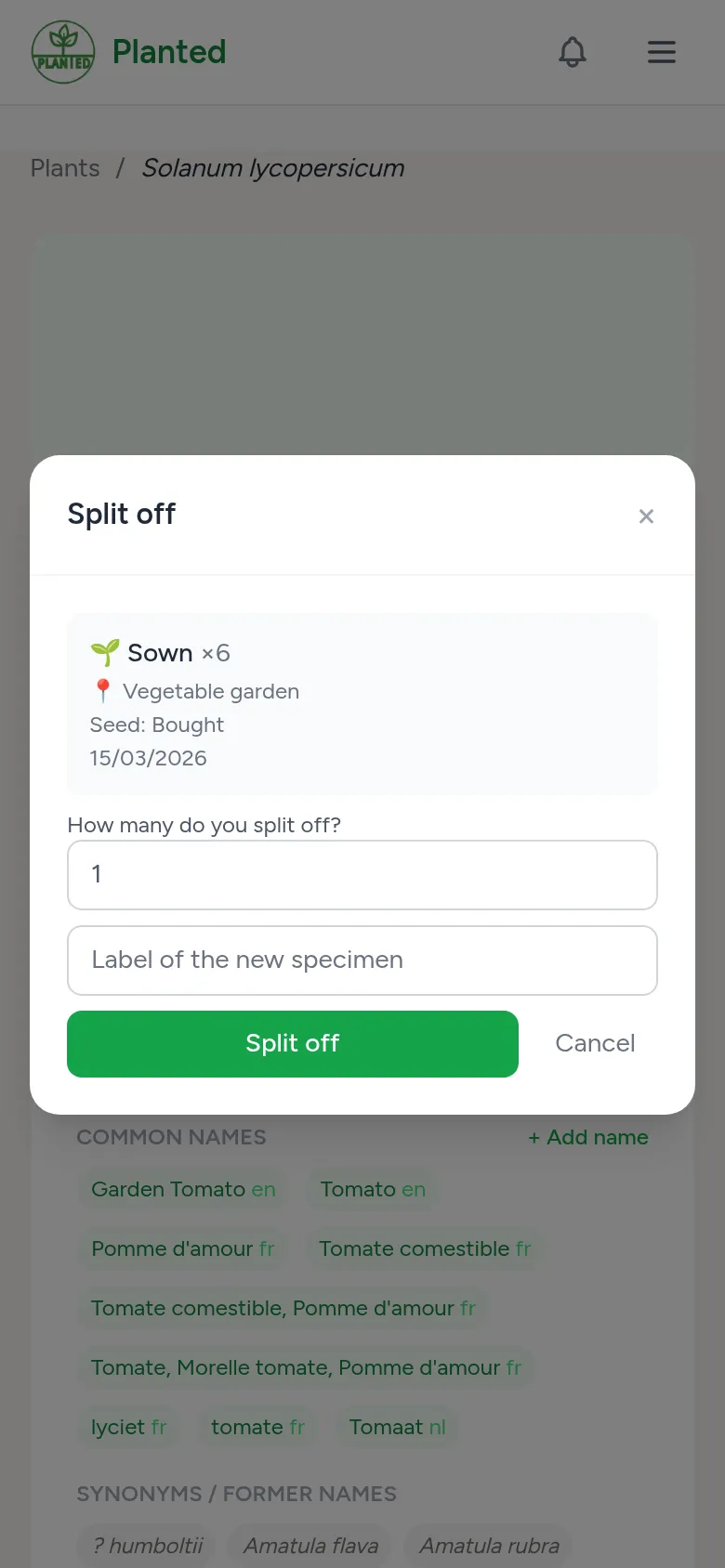
Splitting off
If a specimen is a group, such as twenty pots of seedlings, Split off sets a remarkable seedling apart as its own specimen. The origin and parents come along.