Finding and adding plants
Find a plant in the database and keep track of the plants you have and the ones you still want.
Step 1
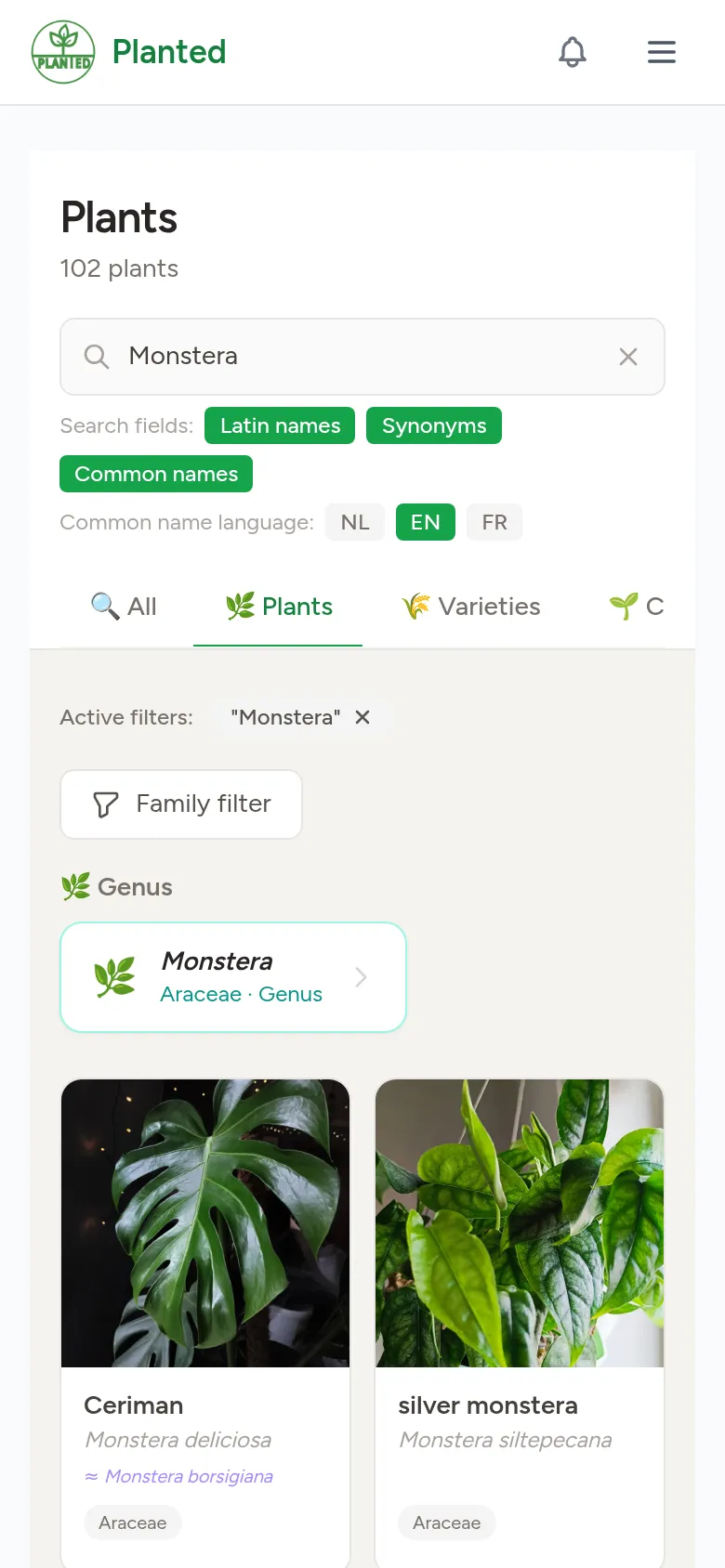
Search
Open Plants and type a scientific name, a common name or a synonym in the search field. With the tabs you also search cultivars, hybrids and varieties, and the filter limits the list to one family.
Step 2
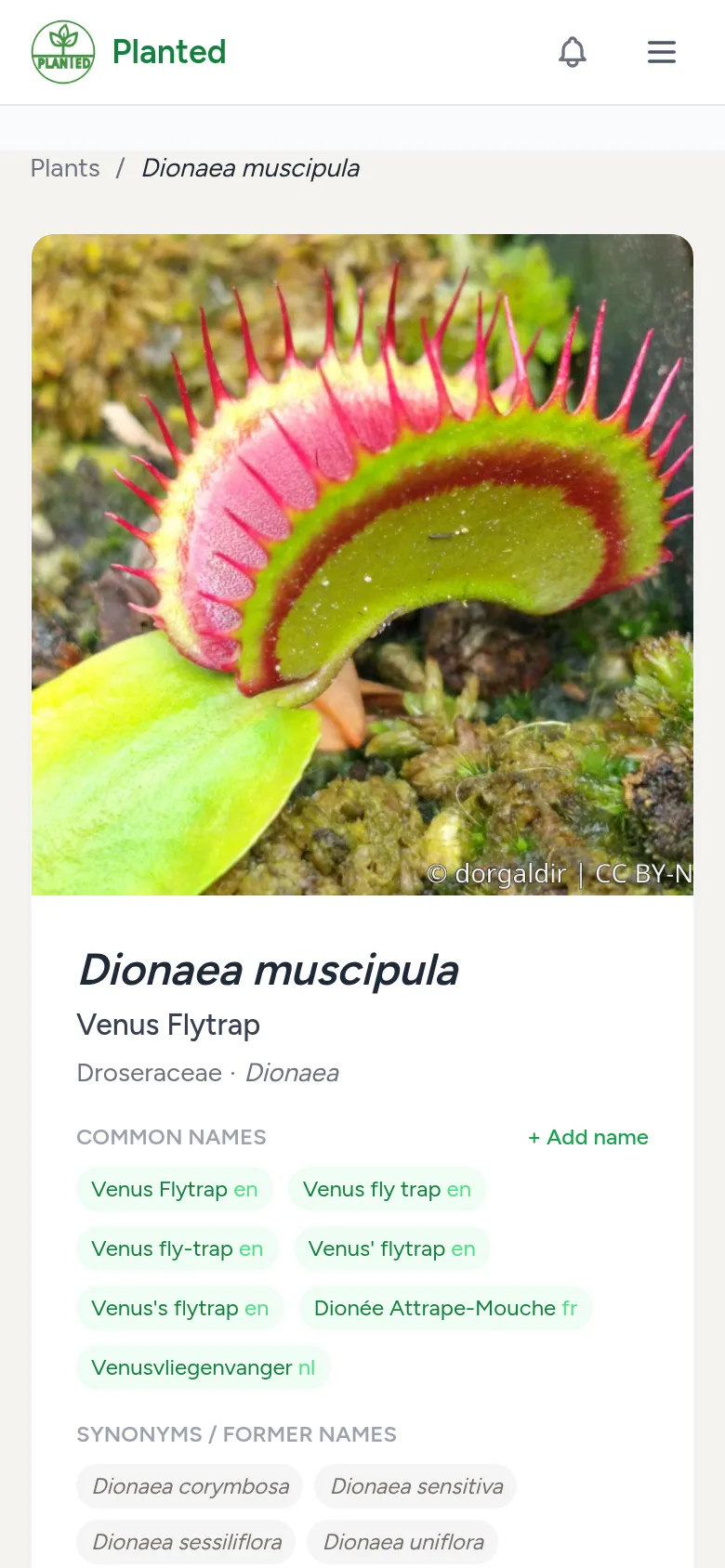
The plant page
Click a plant to open its page. There you find the description, the community's photos, the characteristics and, where it exists, the care advice.
Step 3
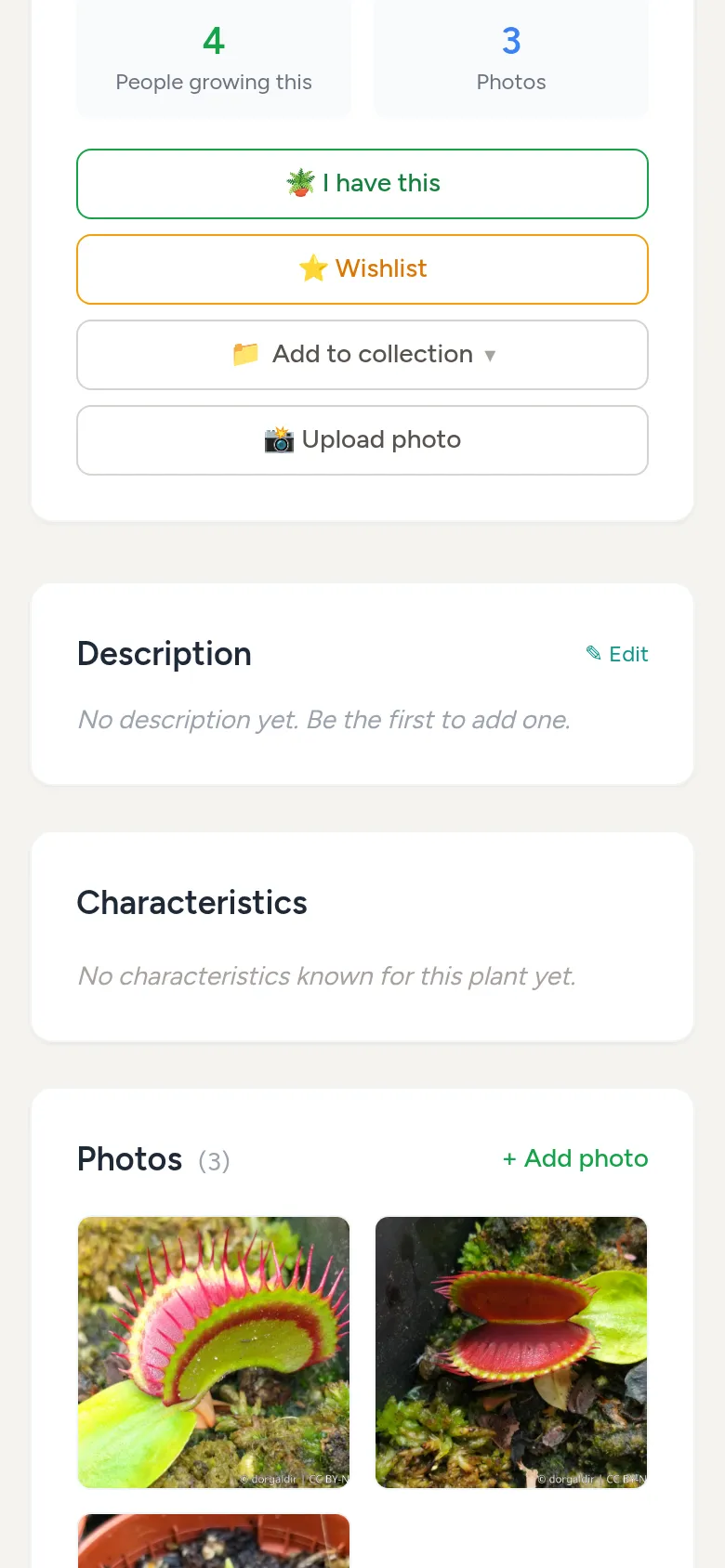
Add it to your plants
If you have the plant, choose I have this. If you still want it, choose Wishlist. With Add to collection you put it straight into one of your collections.
Step 4
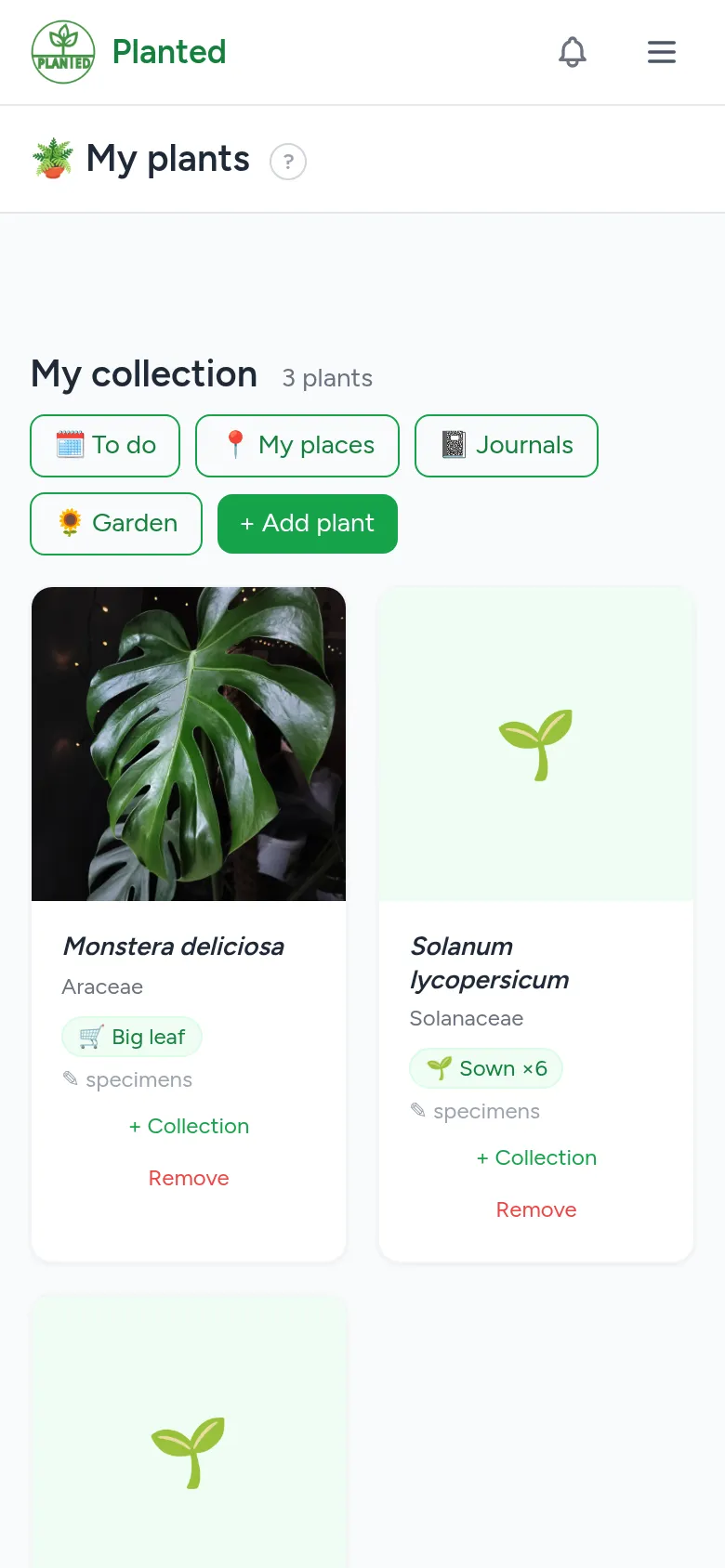
My plants
Under My plants (in the menu under your name) you find your collection and your wishlist. With + Add plant you can also add plants there directly. Bought a plant from your wishlist? Choose Move to my plants.
Step 5
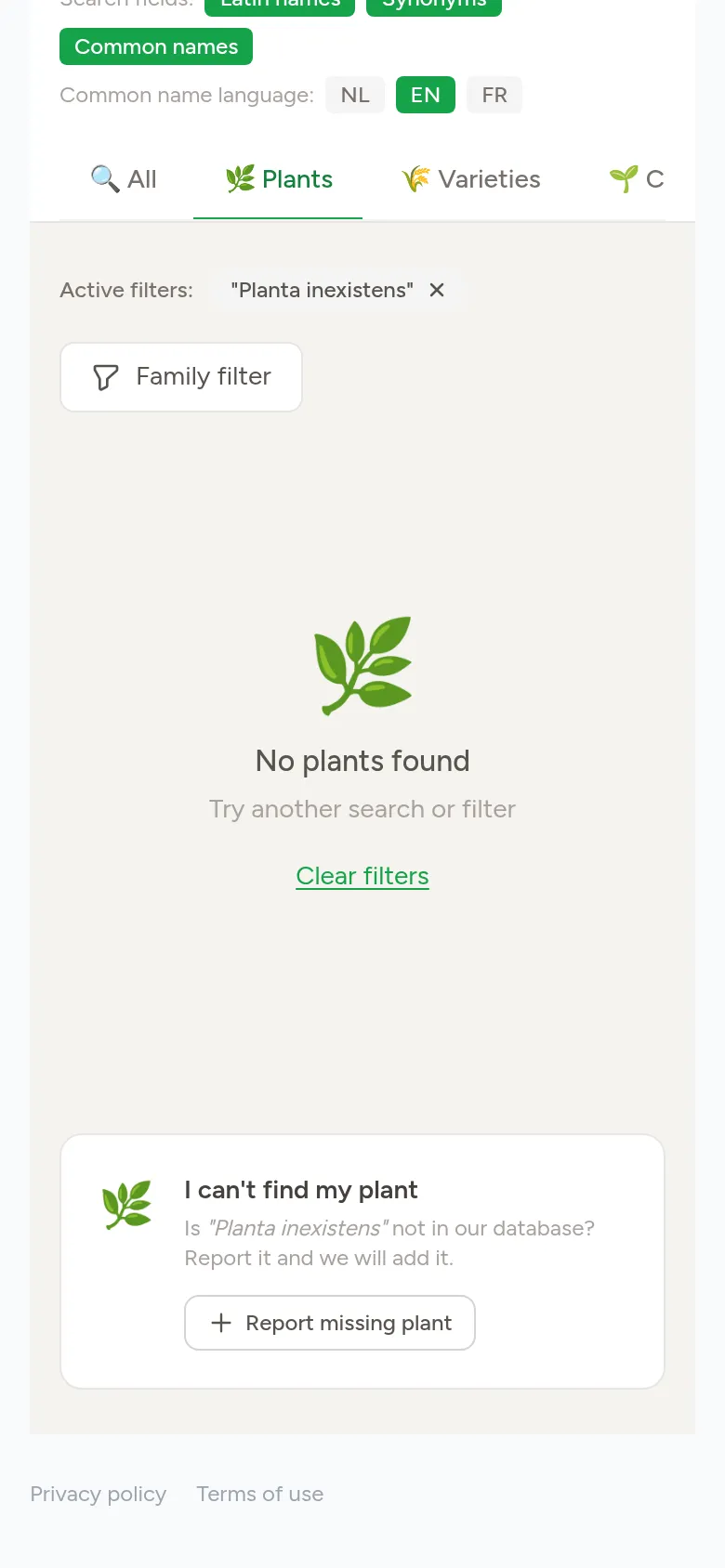
A plant is missing
If you cannot find a plant, choose Report missing plant below the search results. We then add it to the database.