Getting started
Set up your account, your profile and your notifications, so Planted works for you.
Step 1
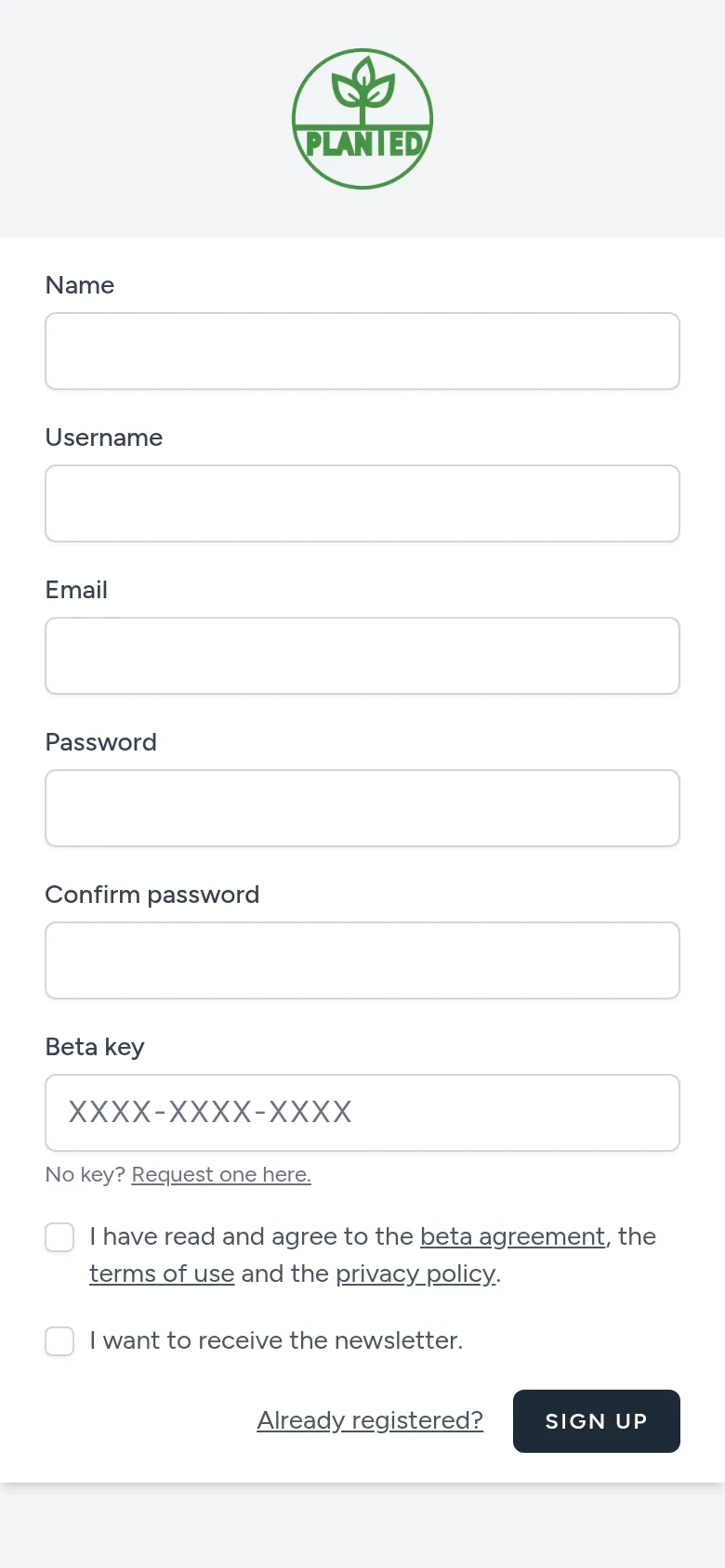
Create an account
Choose Register at the top right. Fill in your name, a username, your email address and a password, and the beta key from your invitation. Planted is in closed beta: without a key you cannot create an account yet. You then get an email to confirm your address.
Step 2
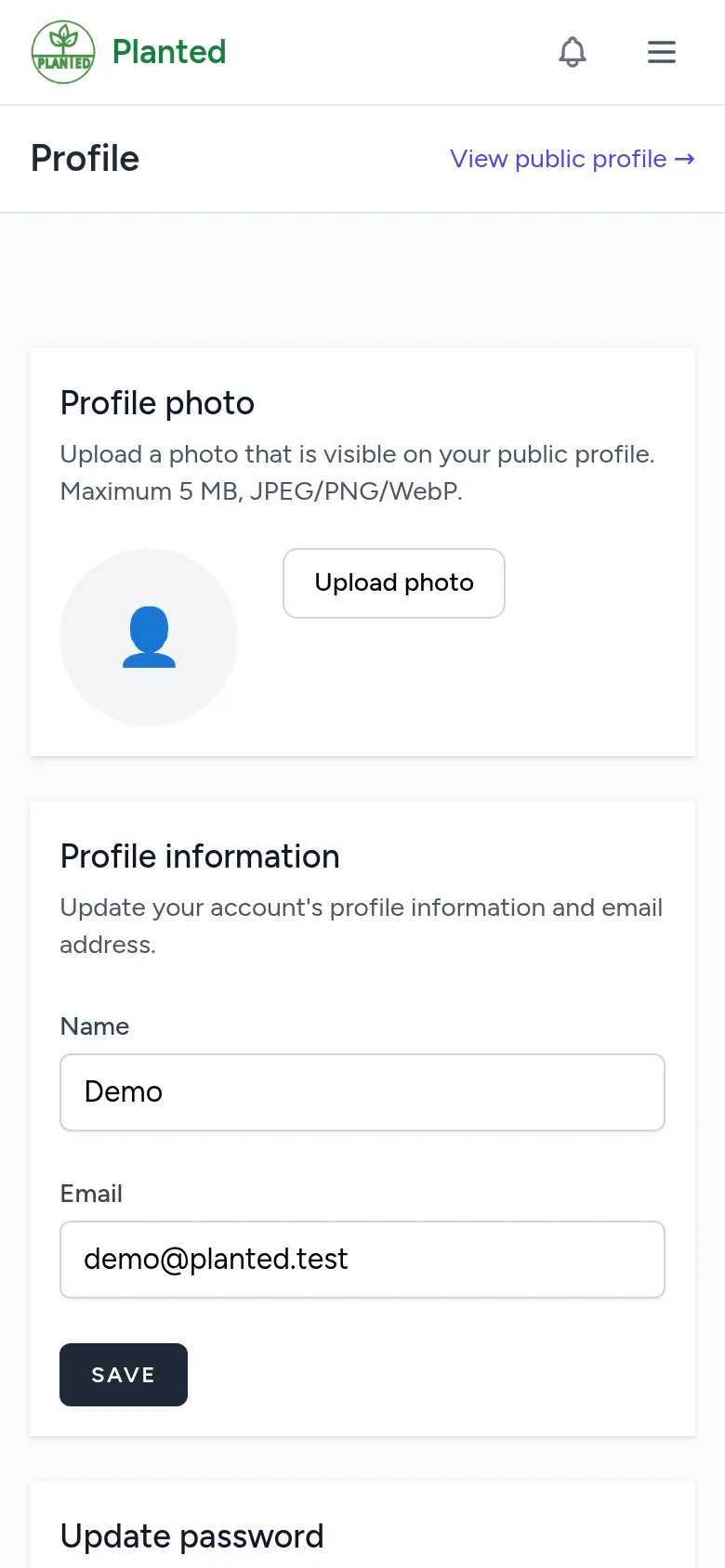
Fill in your profile
Click your name at the top right and choose Profile. There you set a profile picture, a short bio, where you live and links to your social media, and you choose what others see on your profile.
Step 3
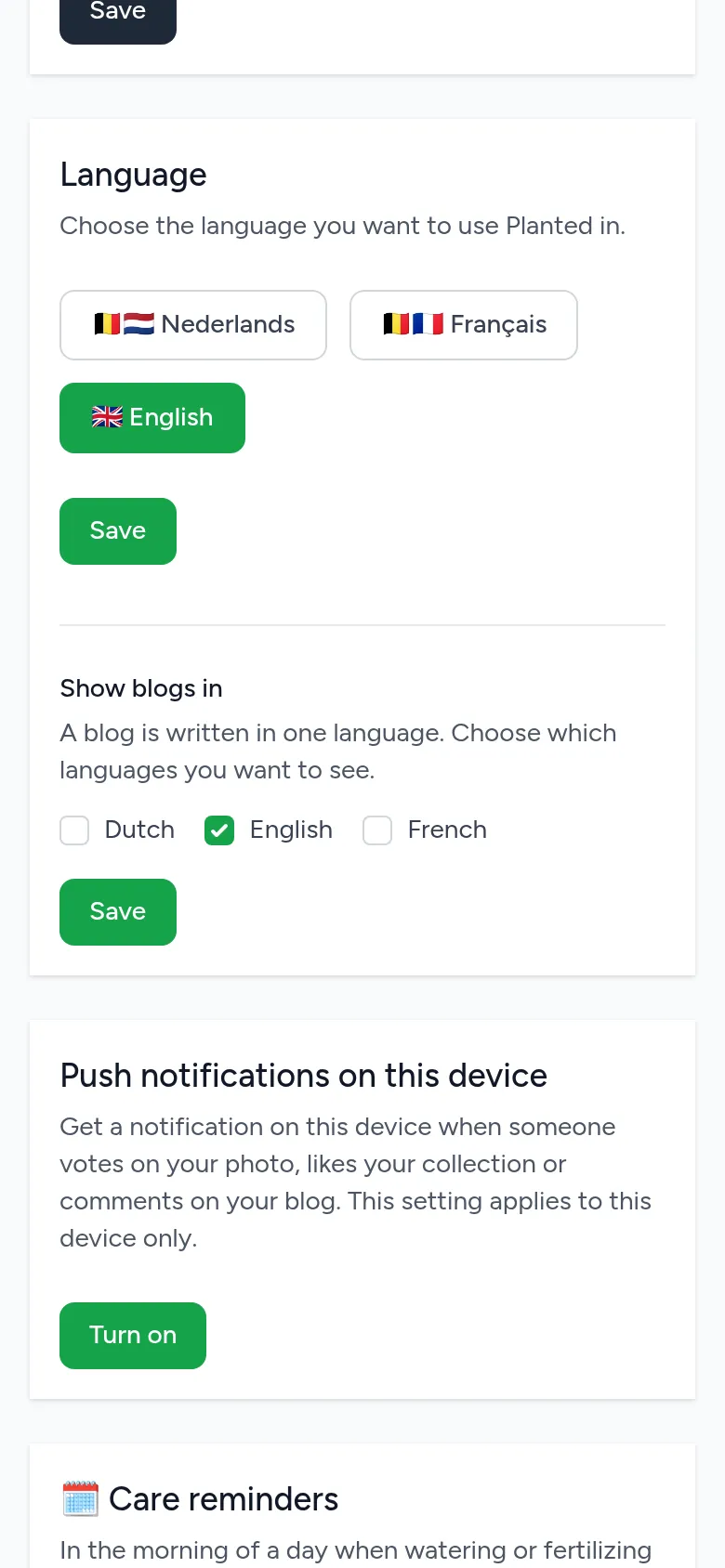
Choose your language
Planted is available in English, Dutch and French. You switch language with the choice on the right of the navigation. On your Profile, under Language, you set the language for the app and the emails, and choose in which languages you want to see blogs.
Step 4
Turn on push notifications
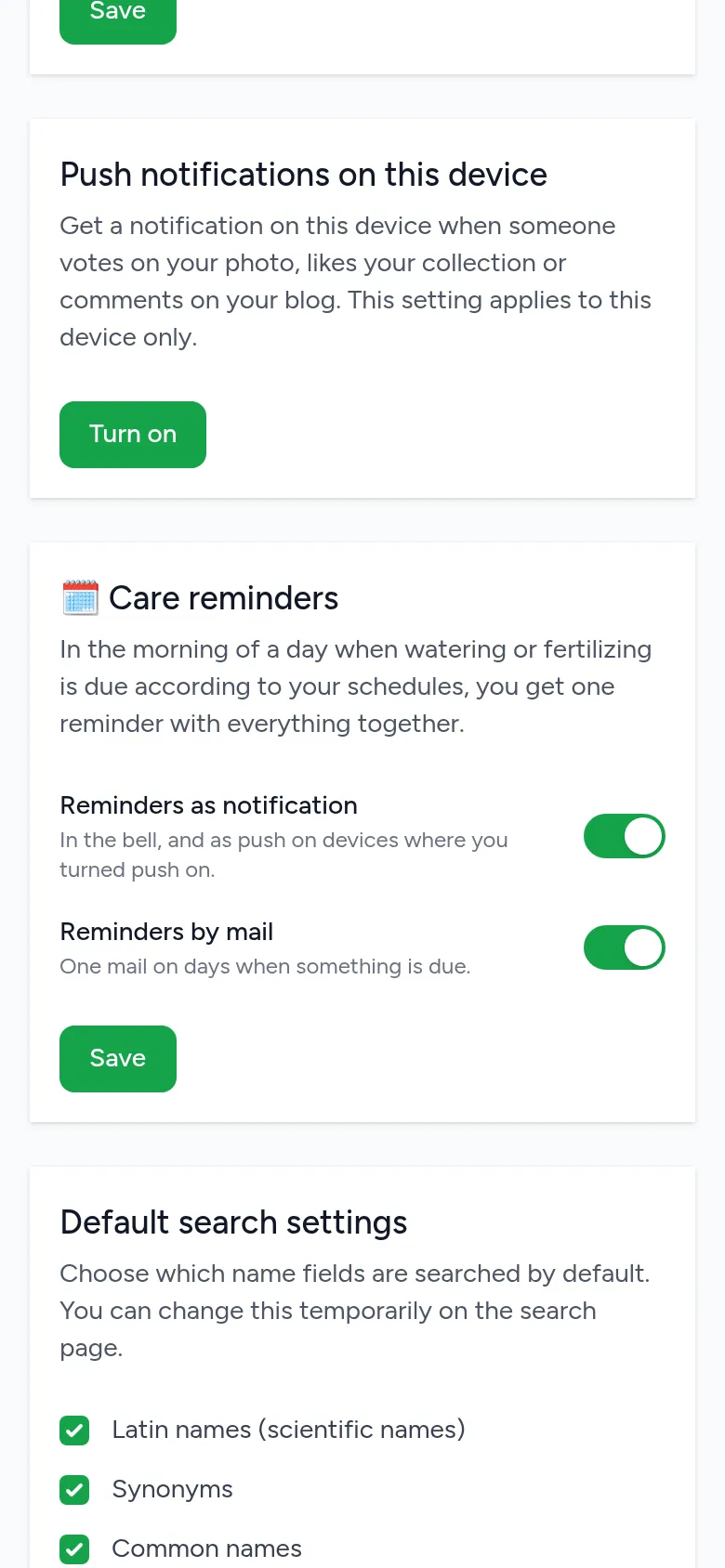
For notifications on your phone or computer, go to your Profile, to Push notifications on this device, and choose Turn on. This applies per device. On a phone, first add Planted to your home screen: in Chrome with "Add to Home screen", on an iPhone in Safari with "Add to Home Screen".
Step 5
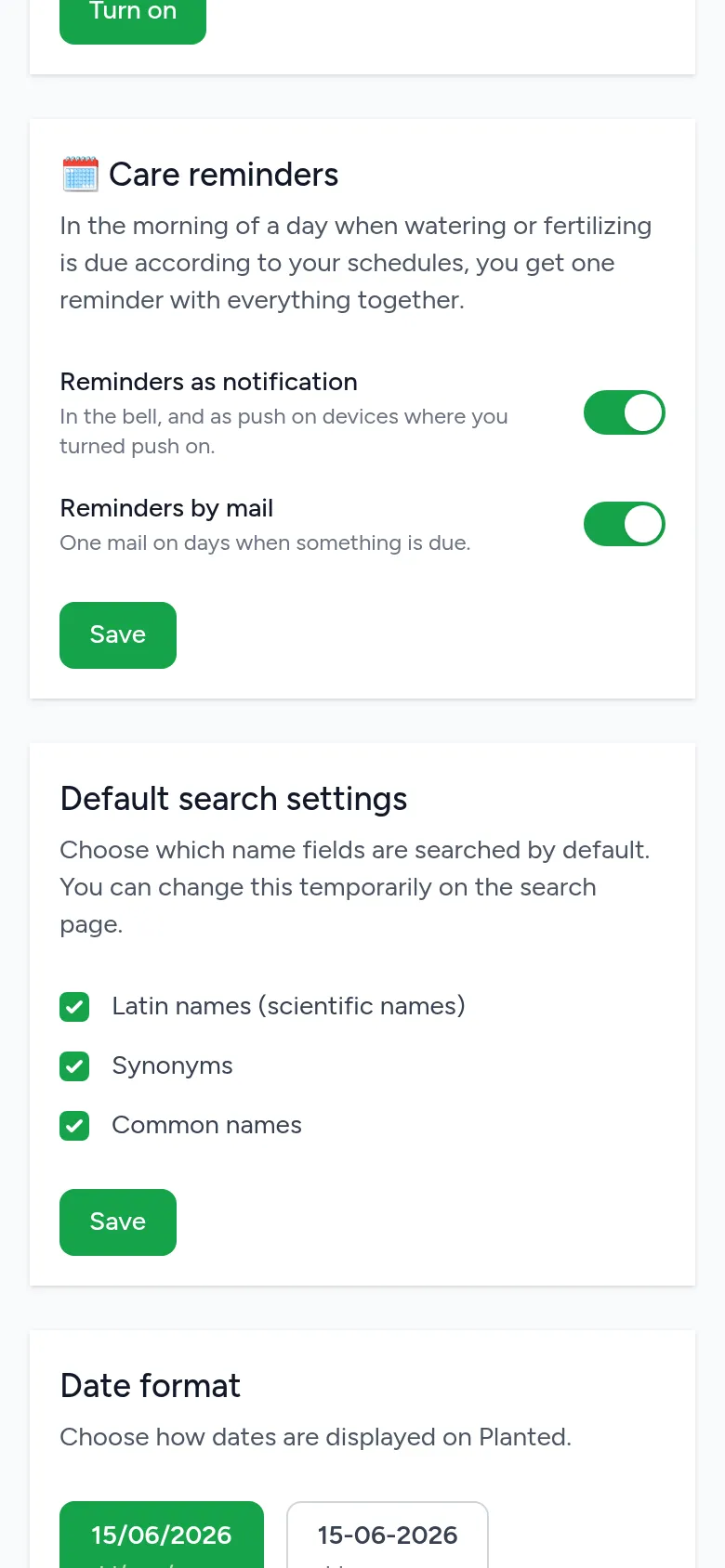
Care reminders
Under Care reminders on your profile you choose how you are reminded: as a notification in the bell (and as push on your devices), by email, or both. On a day when watering, fertilising or something in the garden is due, you get one reminder in the morning with everything together. What is due today is also always under To do.