Journals and measurements
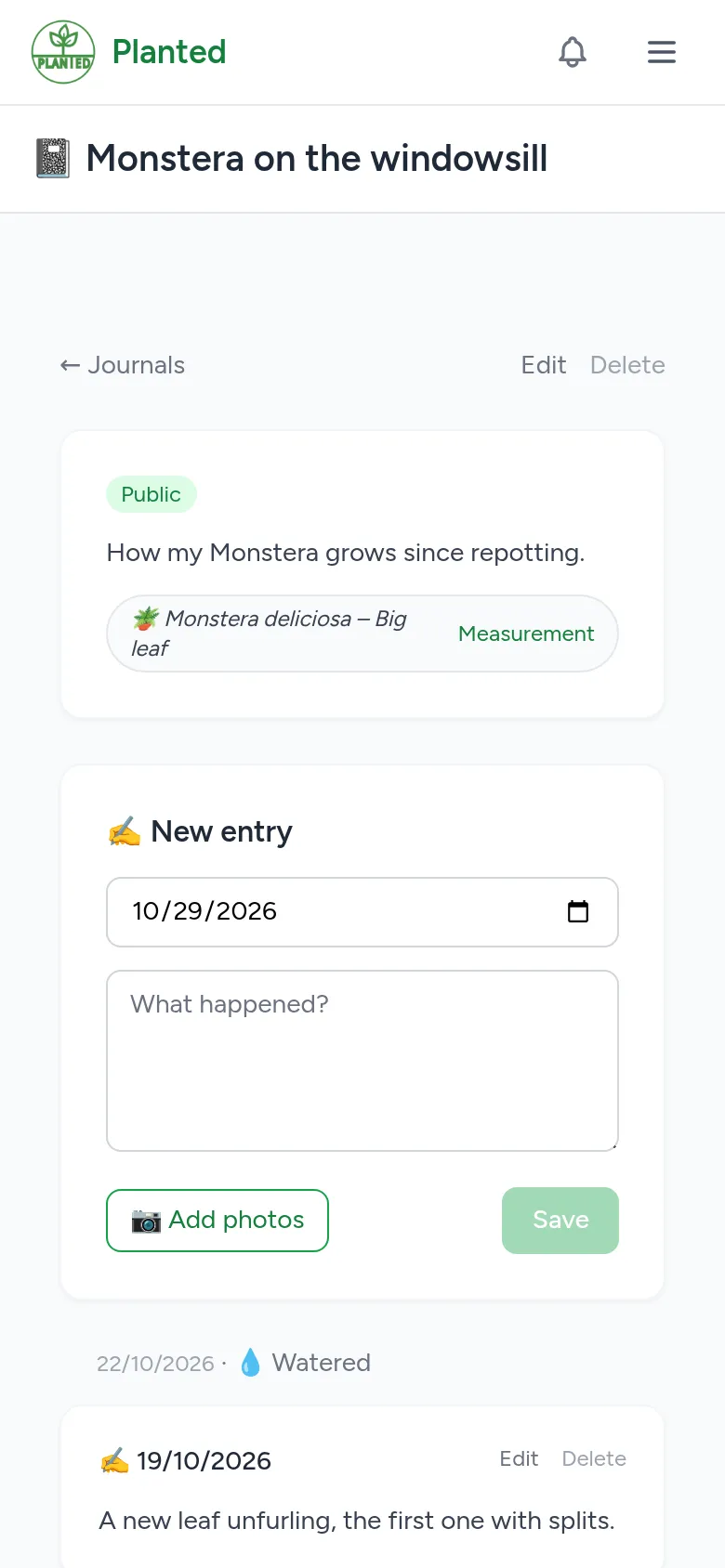
Follow the growth of one or more specimens with text, photos and measurements, for yourself or to share.
Step 1
Start a journal
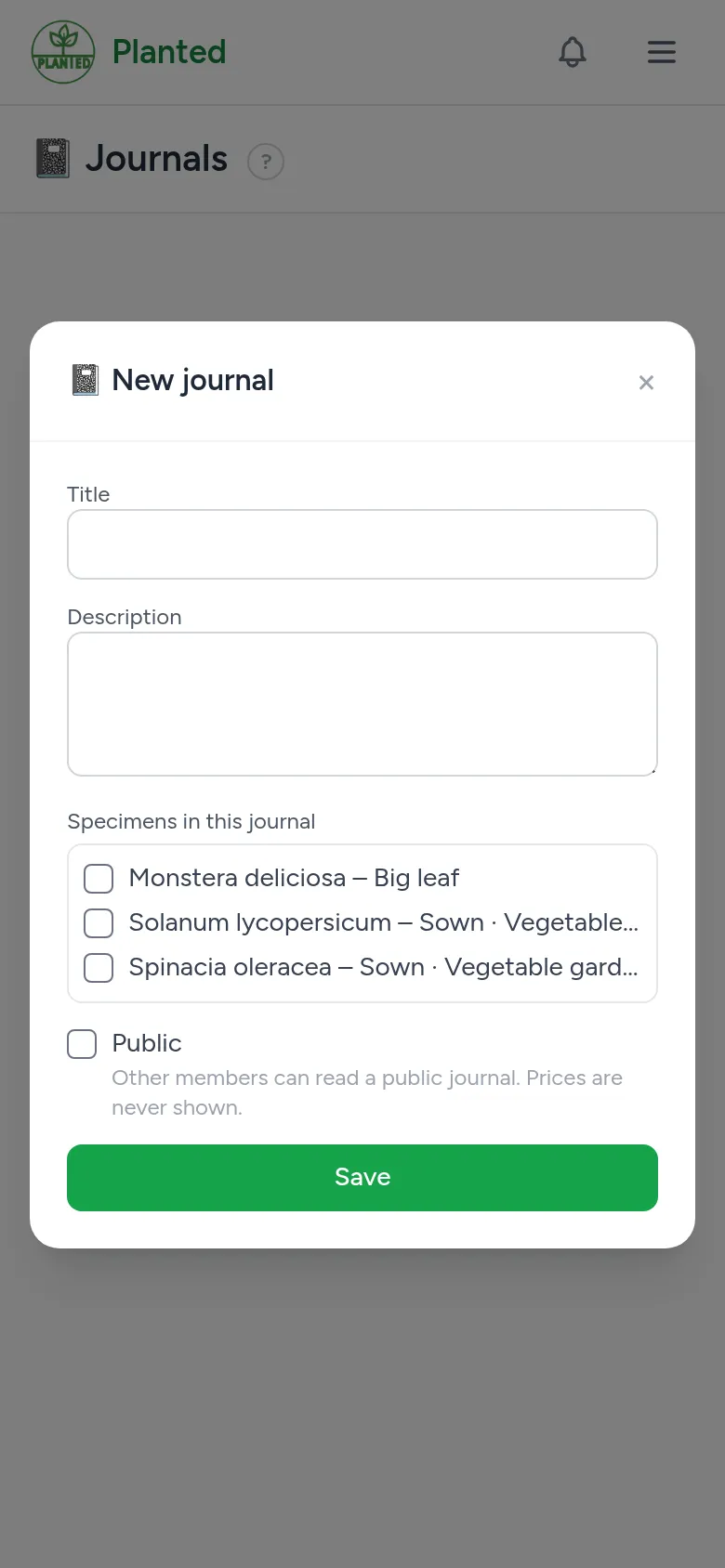
Open Journals and choose + New journal. Give it a title and a description, choose the specimens that belong in it and whether the journal is public or private. A journal about several specimens is handy to compare them.
Step 2
Entries and photos
With New entry you write what happened and add photos. Tick Also in the gallery of the plant to show a photo on the plant page too; that never happens for a private journal.
Step 3
Measurements
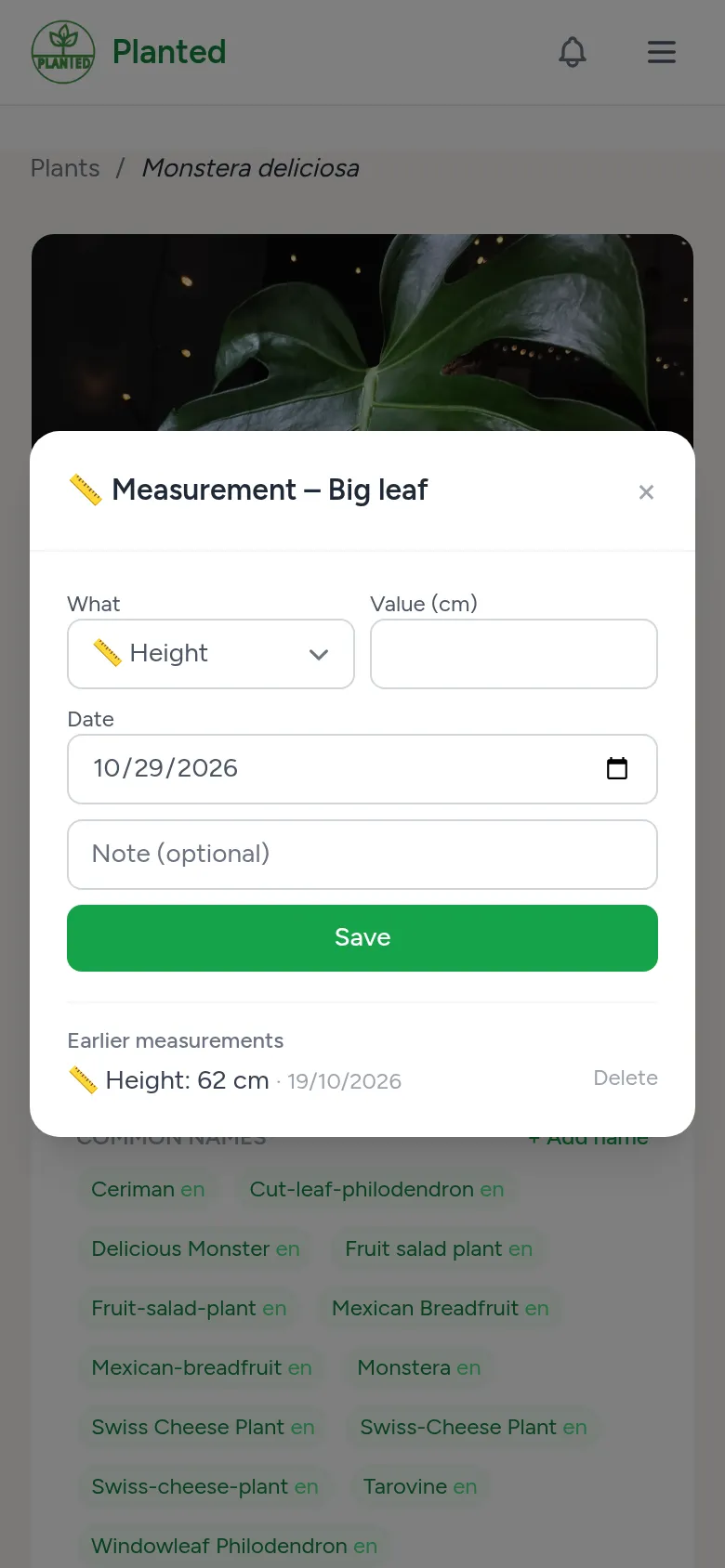
With Measurement on a specimen you note the height or the number of leaves. For a place you note the temperature and the humidity. That way you see over time how a plant grows.
Step 4
The timeline and sharing
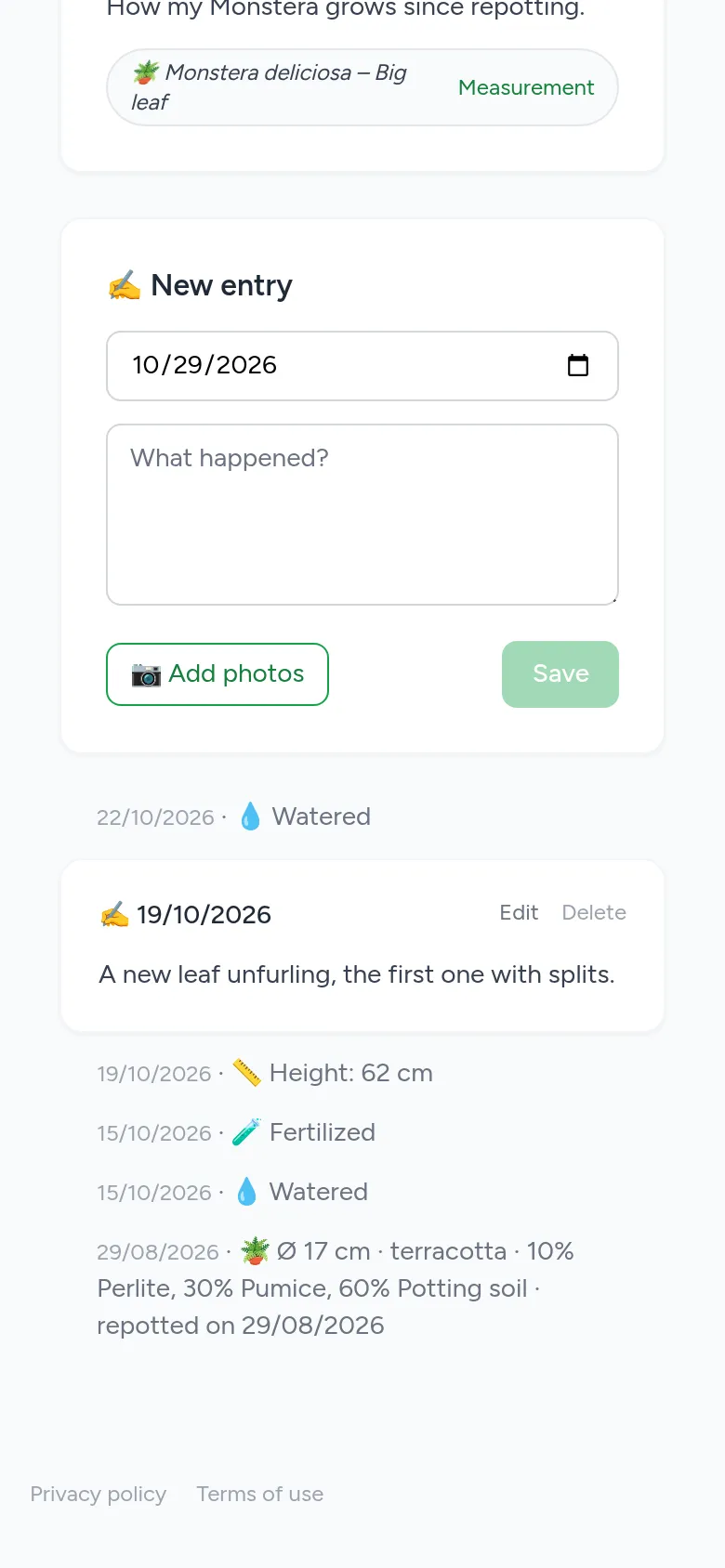
The timeline of a journal shows your entries together with the care log, the pottings and the measurements of its specimens. A public journal appears on your profile and on the plant page, without prices.