← All guides
🧬
Registering hybrids and cultivars
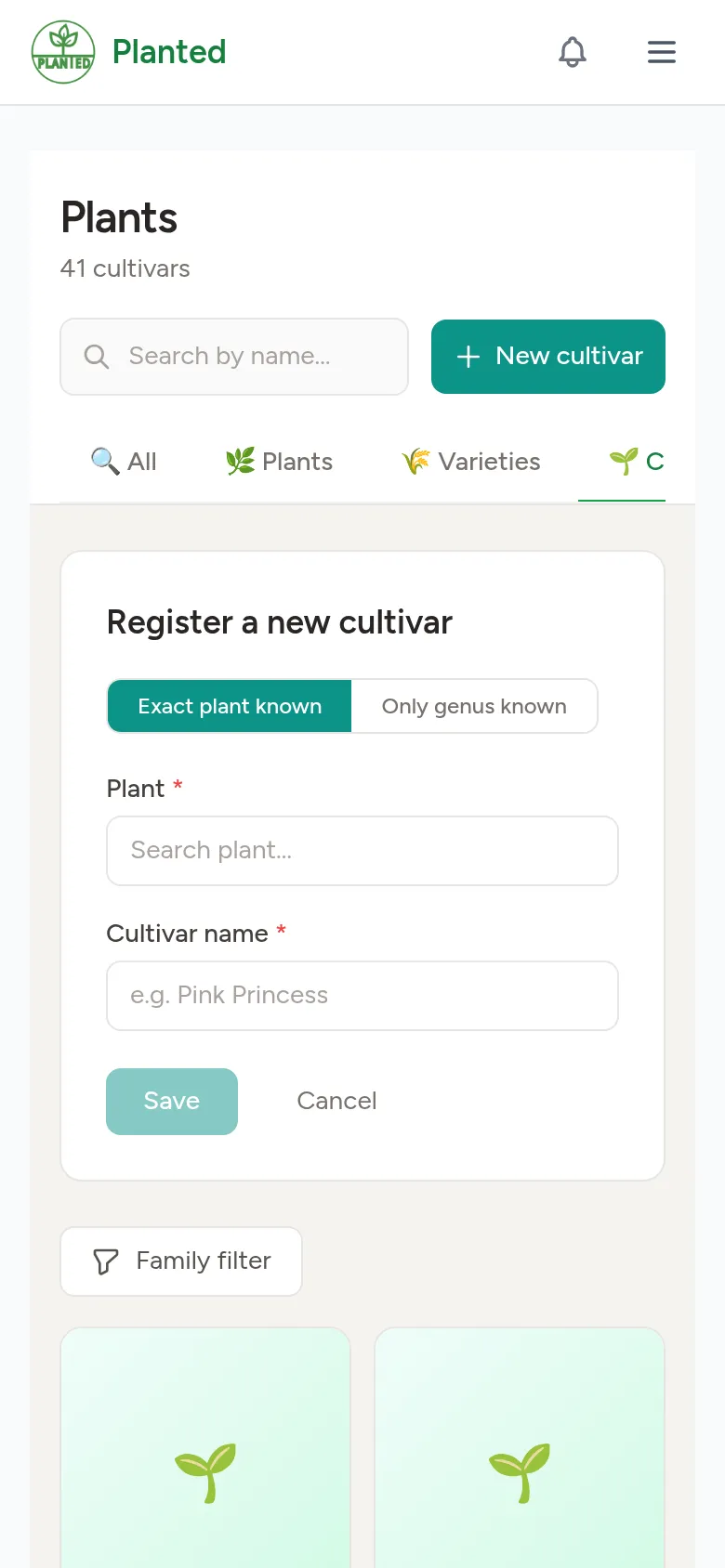
Did you make a cross yourself, or do you know a hybrid or cultivar that is missing? Add it for everyone.
Step 1
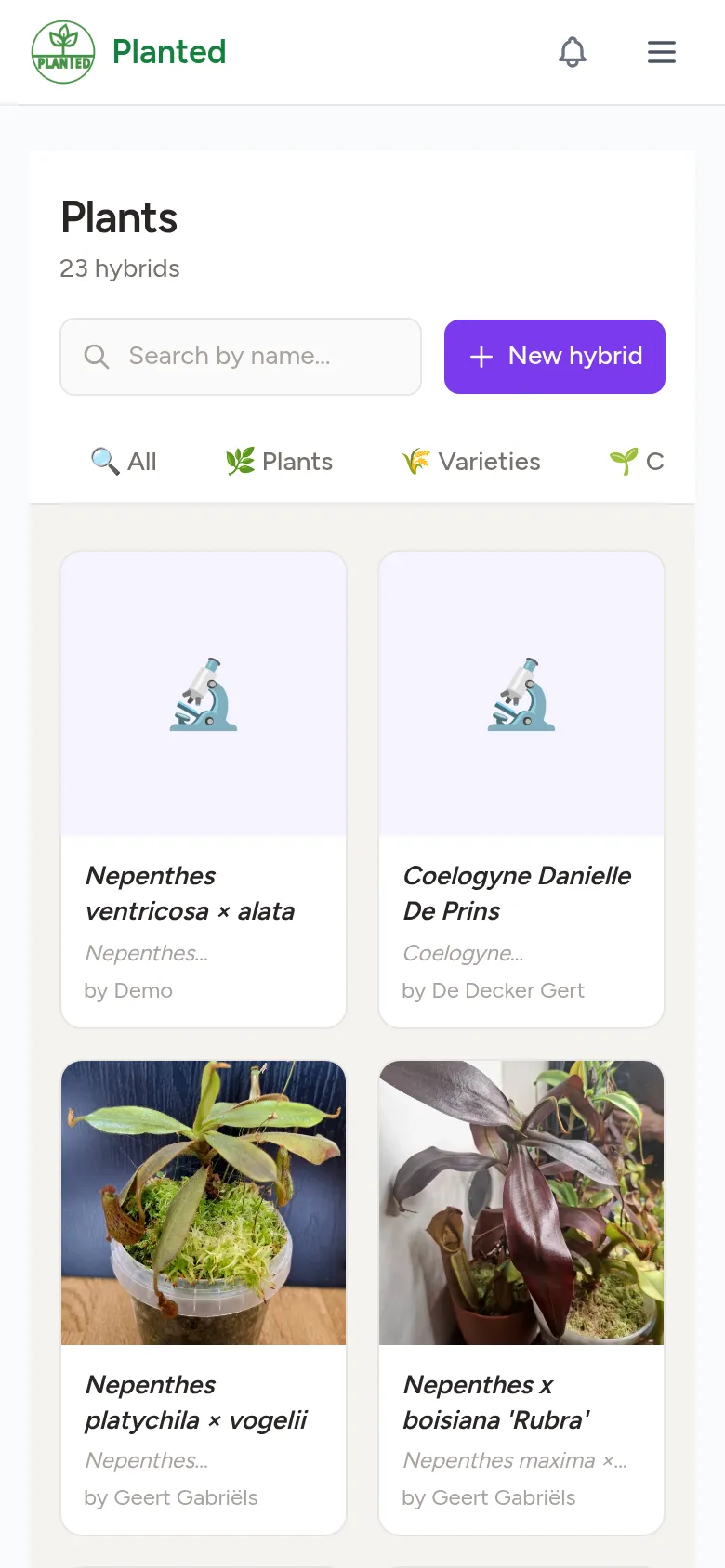
The overview
Under Plants, on the Hybrids tab, you see all registered crosses and who added them.
Step 2
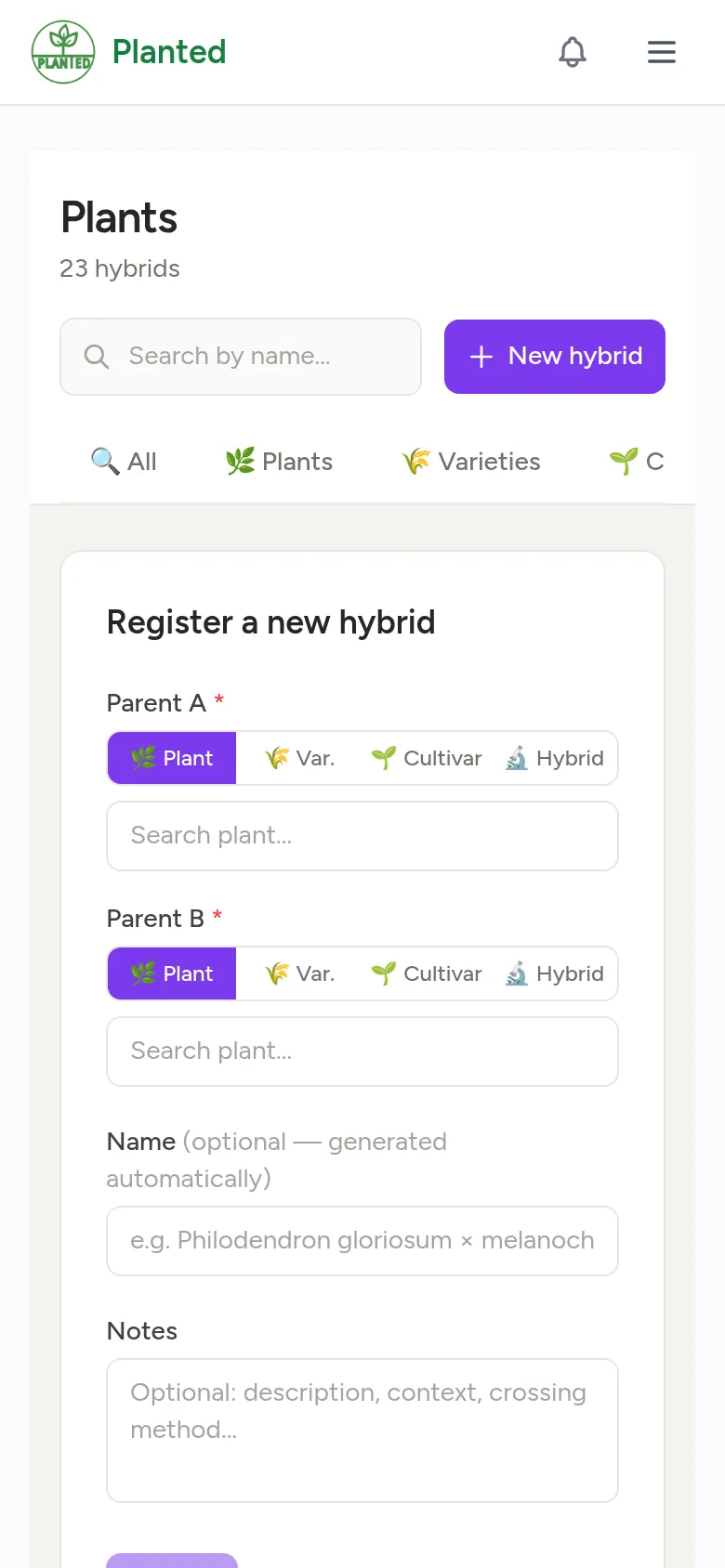
Register a hybrid
Choose New hybrid and search for the two parents: a plant, cultivar or another hybrid. Planted suggests a name; you can also fill in your own name and notes, for example how you made the cross.
Step 3
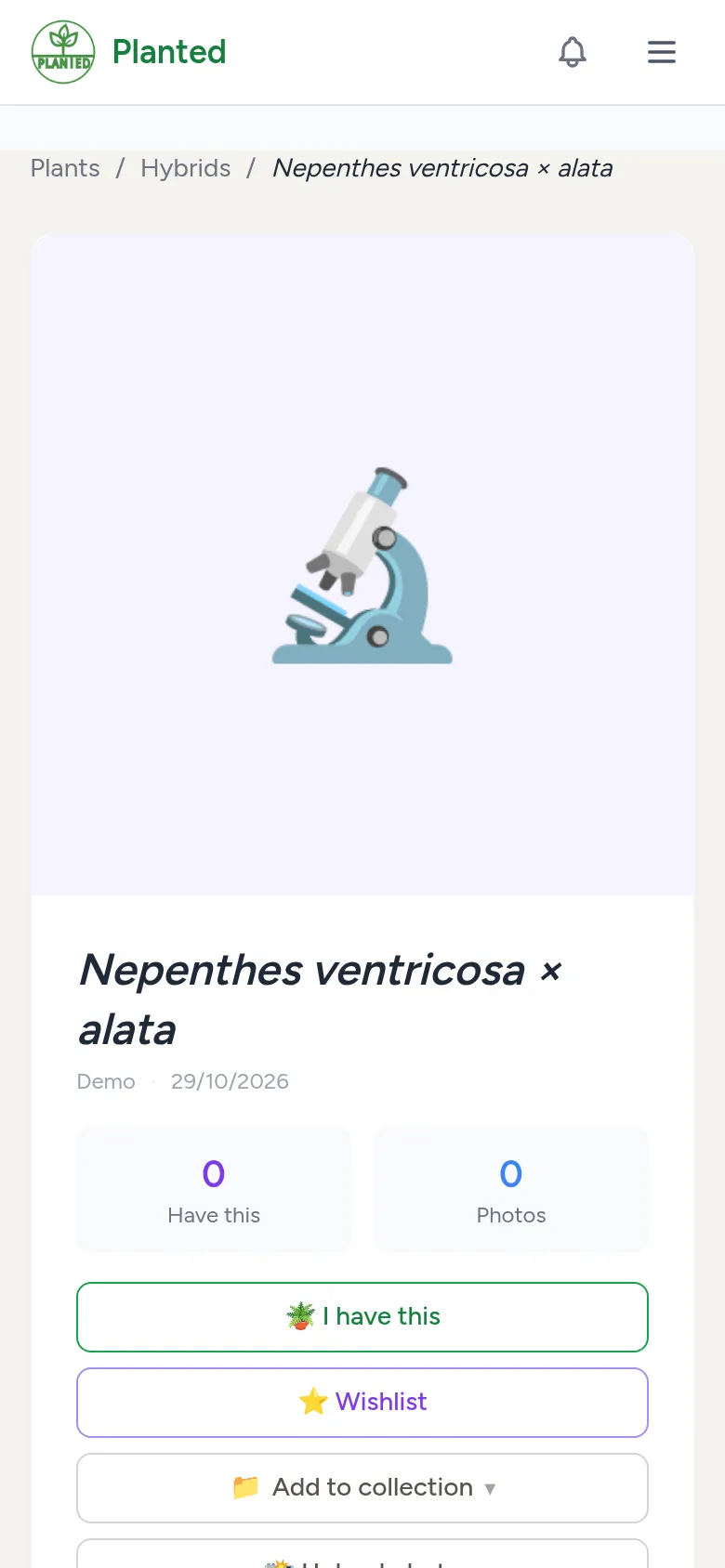
The hybrid's page
Every hybrid gets its own page with its pedigree, photos, blogs and questions. Others can build on it, for example with a cross that has your hybrid as a parent.
Step 4
Cultivars and varieties
You register a cultivar or a botanical variety the same way: choose the Cultivars or Varieties tab, then New cultivar or New variety.