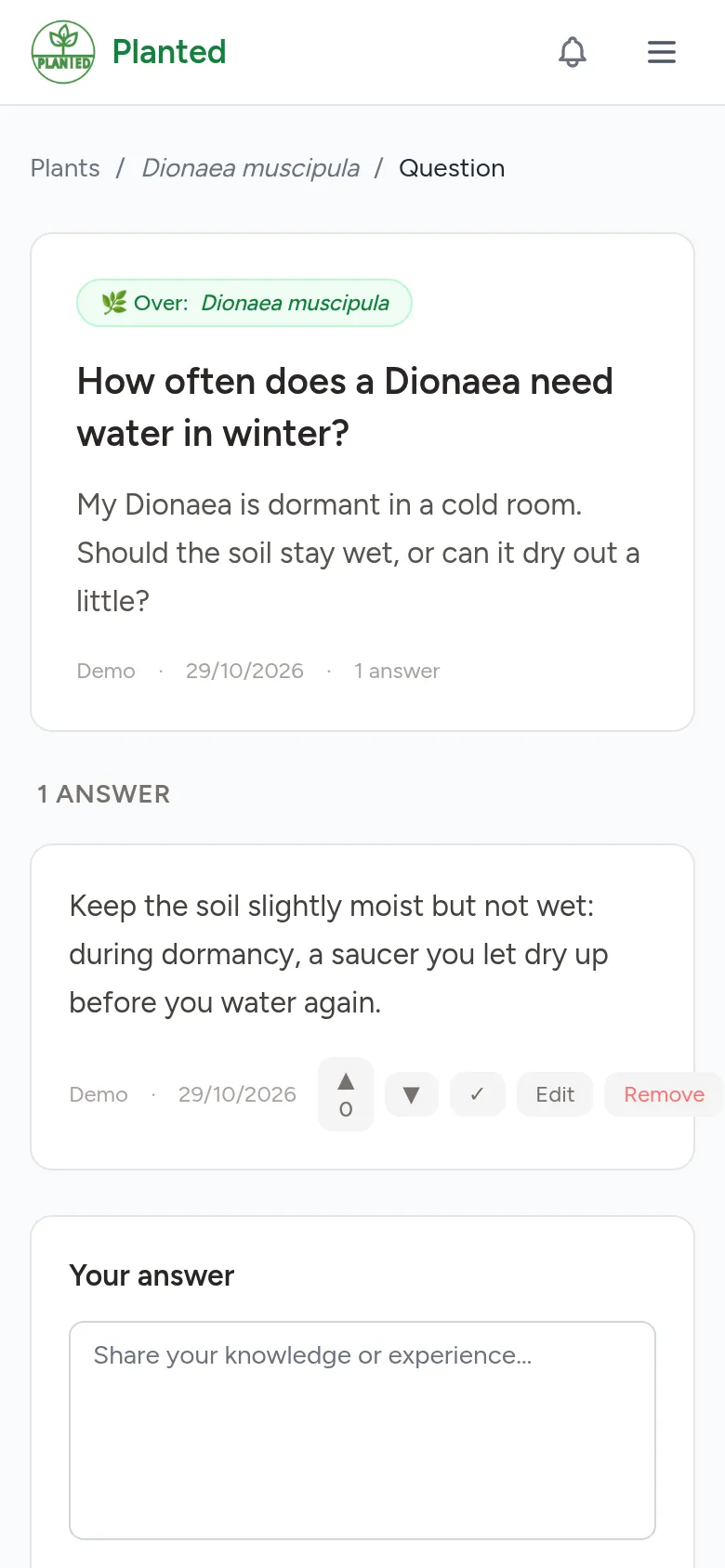
Blogs and questions
Share what you know in a blog, and ask a question or help others with an answer.
Step 1
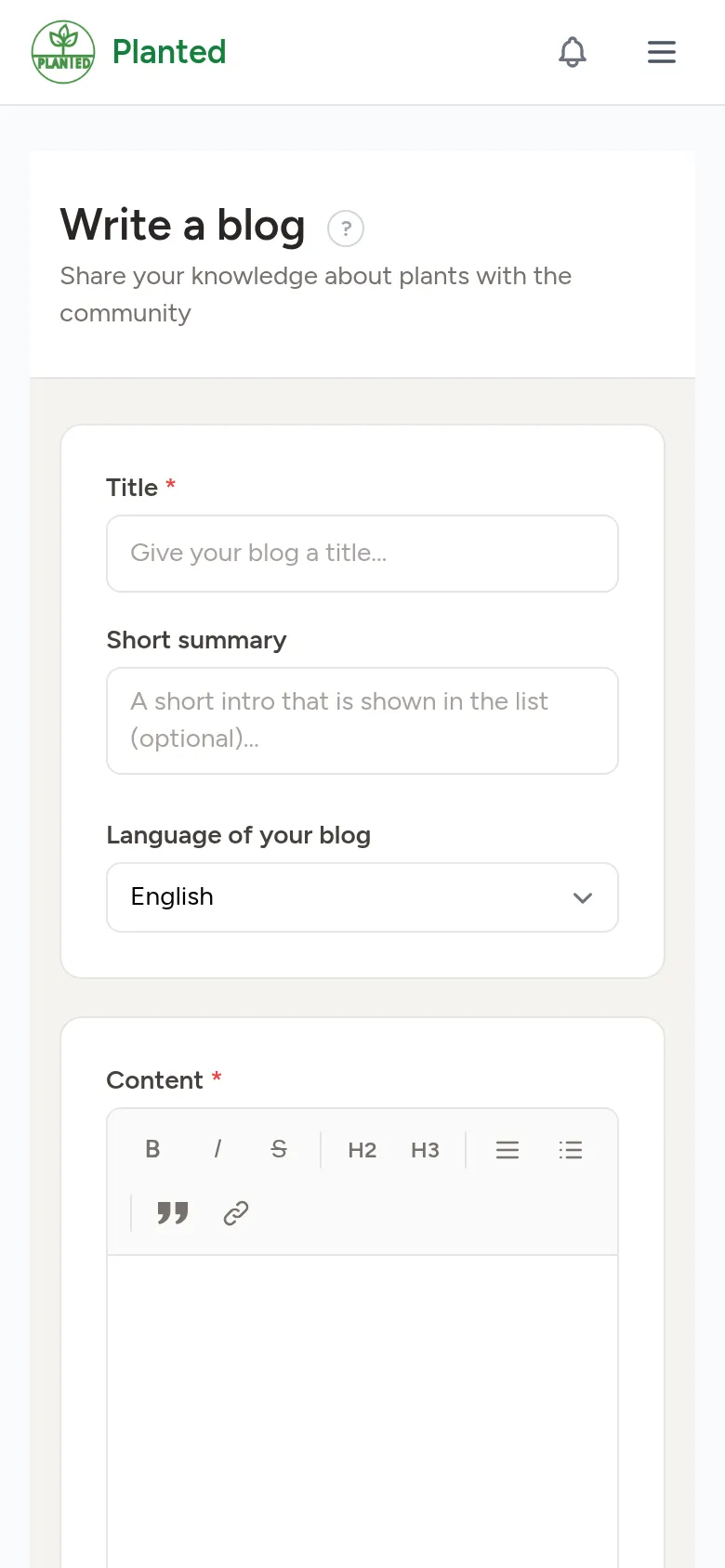
Write a blog
Open Blogs and choose + Write a blog. Fill in a title, a short summary and the content, add photos and choose the language of your blog. Link it to plants, cultivars or hybrids so it also appears on their page. Save it as a draft or choose Publish.
Step 2
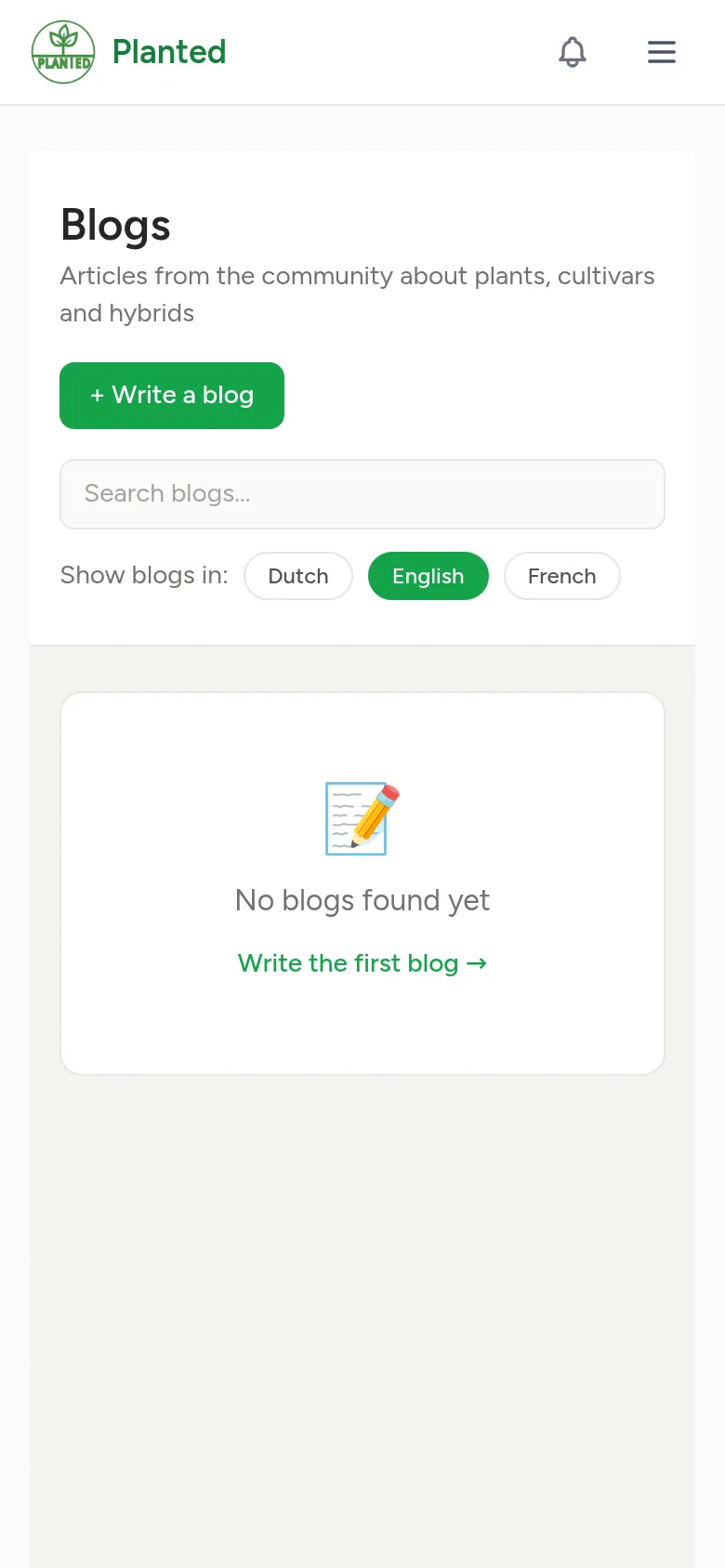
Blogs in your languages
A blog is written in one language. With Show blogs in you choose which languages you want to see; on your profile you save that choice.
Step 3
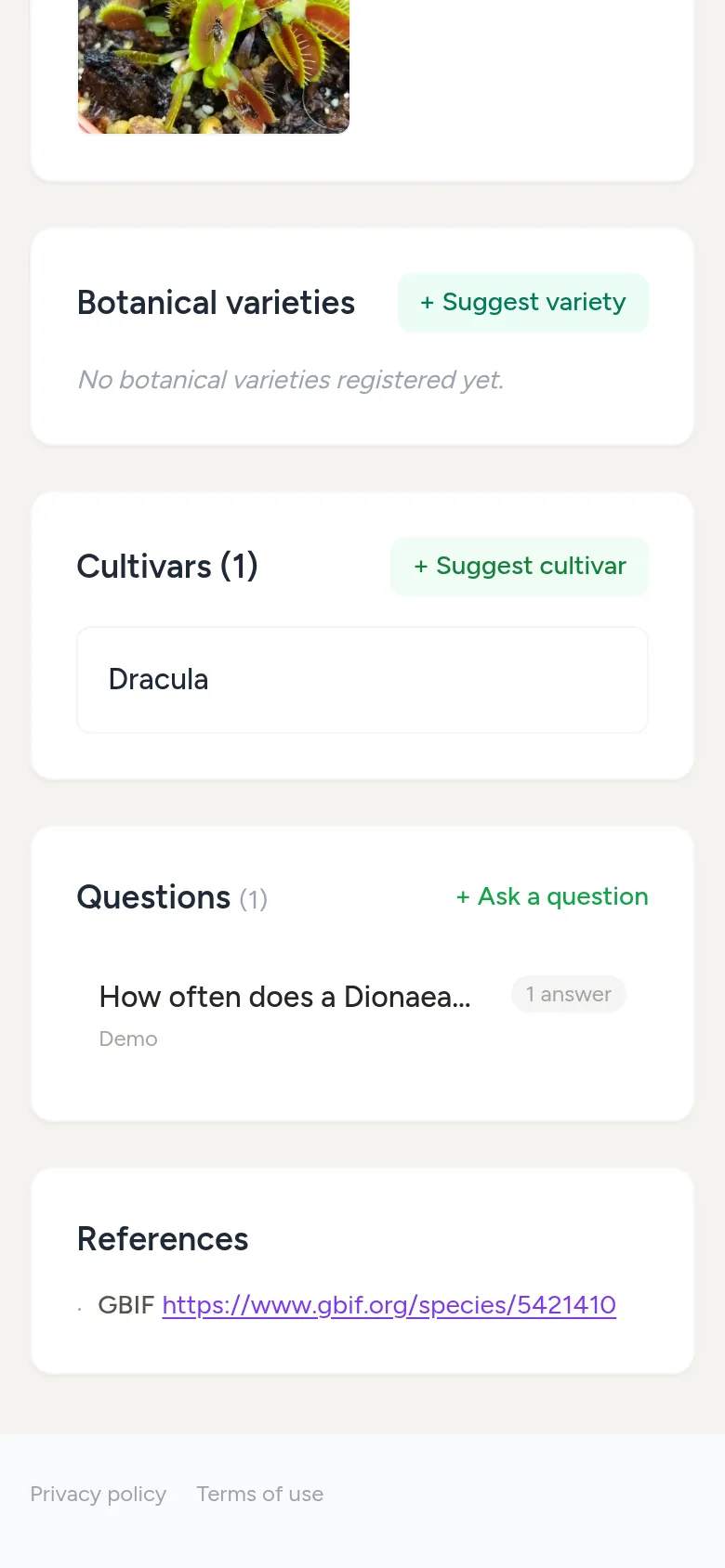
Ask a question
On the page of a plant, cultivar or hybrid, choose + Ask a question under Questions. Ask your question in one sentence and give more context below it.
Step 4
Answer
Below a question you write your answer and choose Post answer. Whoever asked the question can mark an answer as the best answer. If something is wrong, choose Report.